Setting up Custom Extensions
You can also setup custom DA Apps and DA Extensions in the library
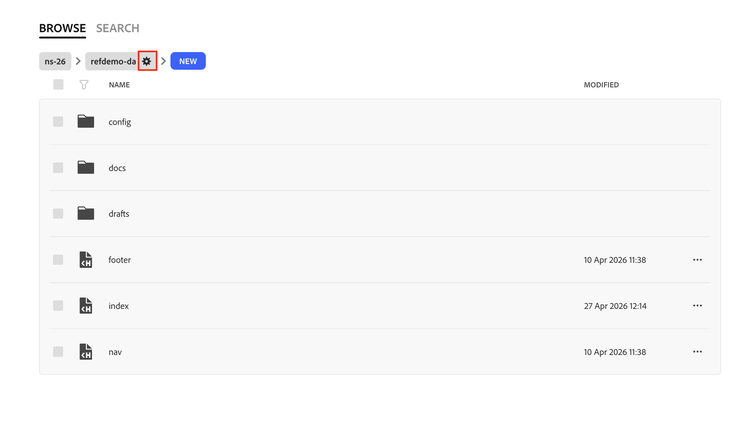
- Head to site setting by clicking on the Settings icon, on the site hierarchy
- Head to the library tab in the config sheet.
- If library is not setup in your site, head here to setup library in your site
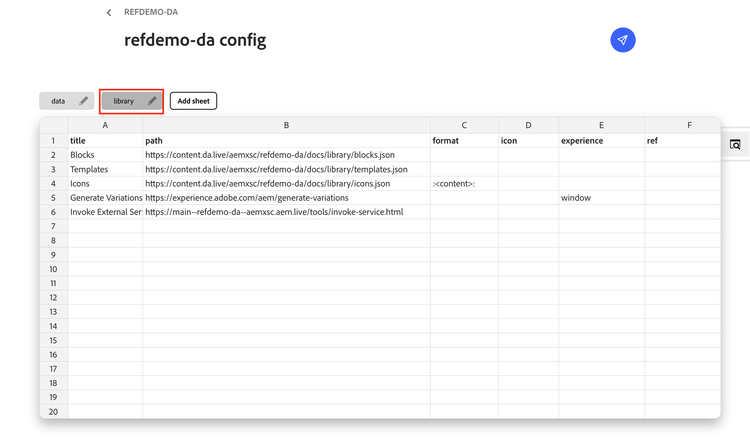
- Provide a suitable title, and the path for your extension