Invoke External Service Extension
This extension helps you to invoke and execute any external service, which can be suitable for you demo-scenario. You can either execute the default service or quickly setup a to invoke your external service. The extension sends a HTTP POST request to the provided service, along with the provided JSON payload.
Setting up the Extension
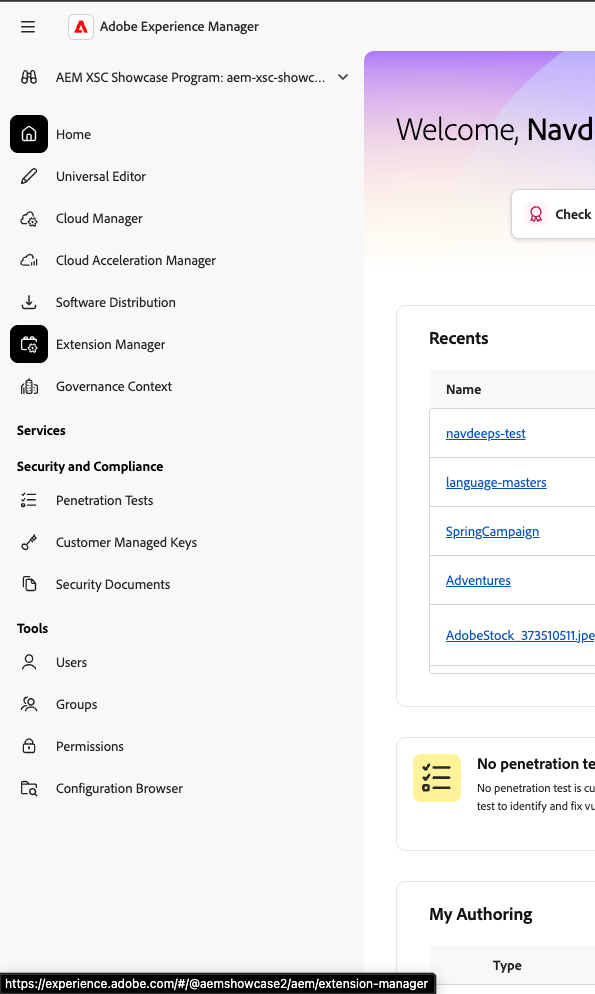
- Head to the Extension Manager → Universal Editor in your IMS ORG
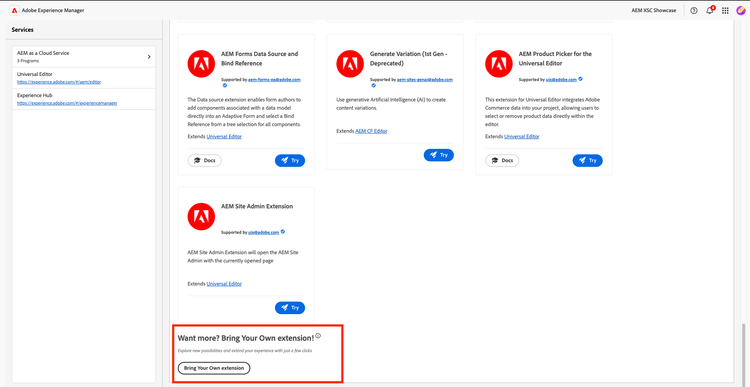
- Provide the necessary details in the extension setup Form
- Extension URL - https://44955-415ceriserhinoceros.adobeio-static.net/index.html
- Extension Name - Invoke External Service
- Description - This Extension helps you trigger any external service works with Reference Demo 2.0 Framework
- Support Email - <Your_Adobe_Email>
- Supported Services – Universal Editor and Universal Editor – Landing
Setting up Extension Registration
- Head to the placeholder file of your site under .../content/<site>/placeholders
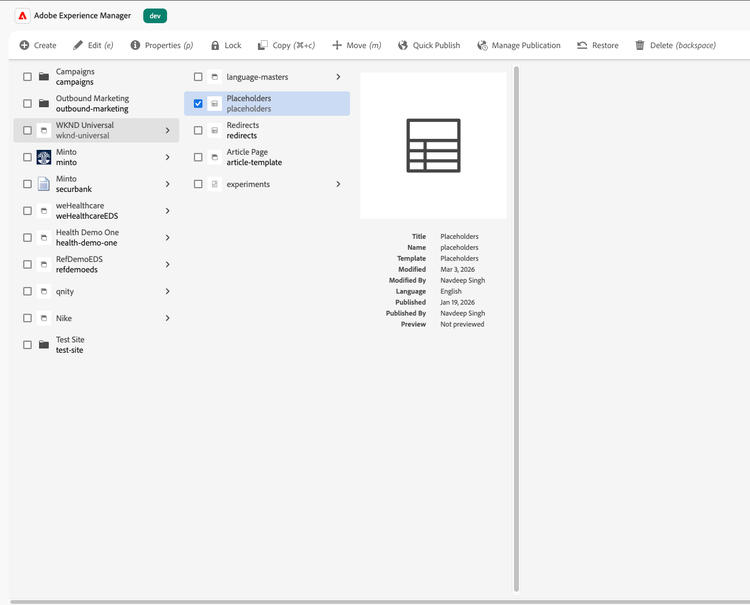
- Add the following Key and Value pairs to the placeholders file
- Key: workflow-url , Value: DEFAULT
- Key: workflow-payload, Value: <Optional JSON Object>
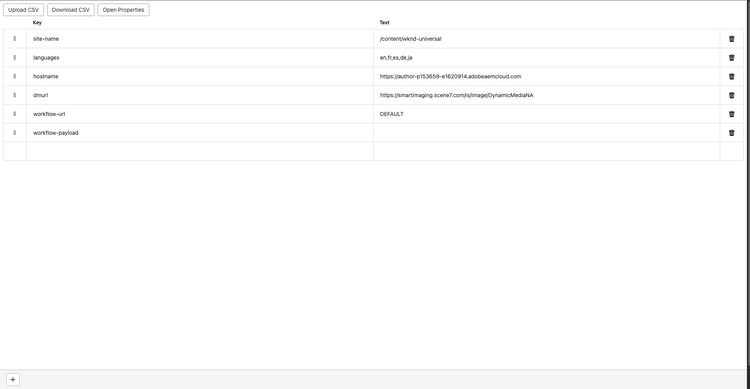
- Optionally, you can provide the URL to a custom service and payload, depending upon your demo use-case, the extension sends a HTTP POST request to the specified URL, with the provided JSON payload.
NOTE
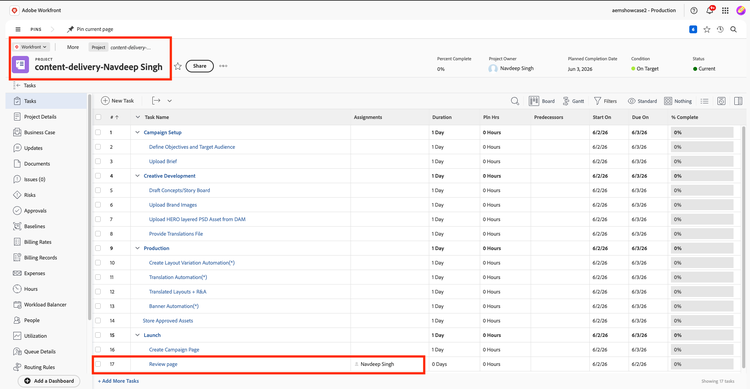
The default service provided by Reference Demo Fusion Flow, is intended to be a review workflow, which would create a new project based of a template in Adobe Workfront, creates a review task and assign it to you for review and approval.
Usage
- The extension is now available in for any site and page in Universal Editor created using Reference Demo 2.0 framework
- Open any page in UE to find this extension
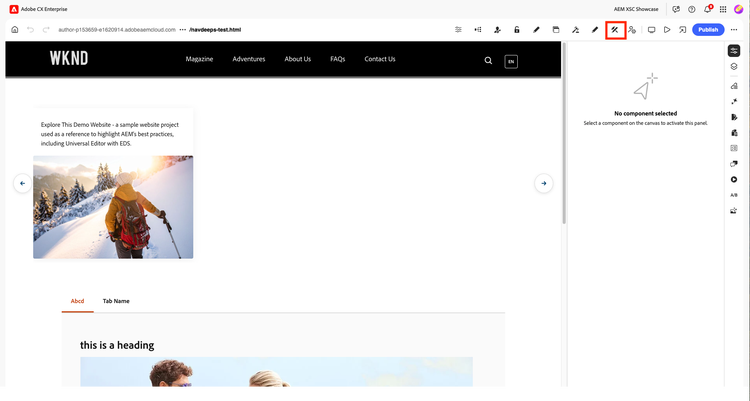
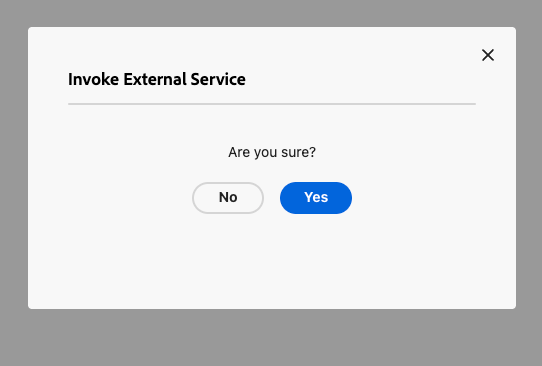
- Click on the extension, agree to the confirmation to execute the external service
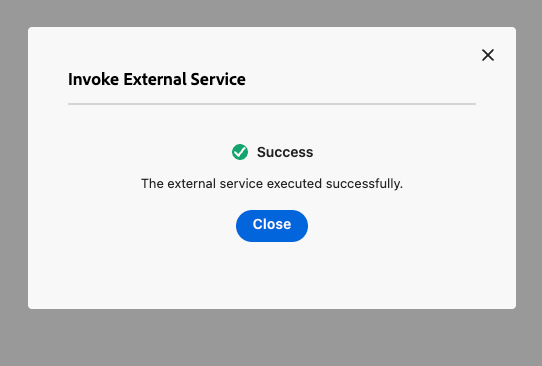
- Once executed, you see an appropriate success/error message for you execution
Sample Workflow
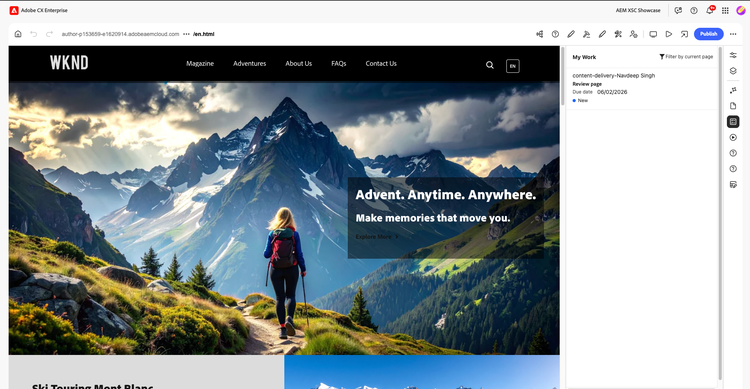
The Sample workflow provided by Reference Demo is a Workfront fusion flow which creates a project in Workfront with a review task assigned to you.
NOTE
Head to this Workfront instance to access your created project
- Optionally, you can manage your task directly from the Universal Editor using the Task Management extension.