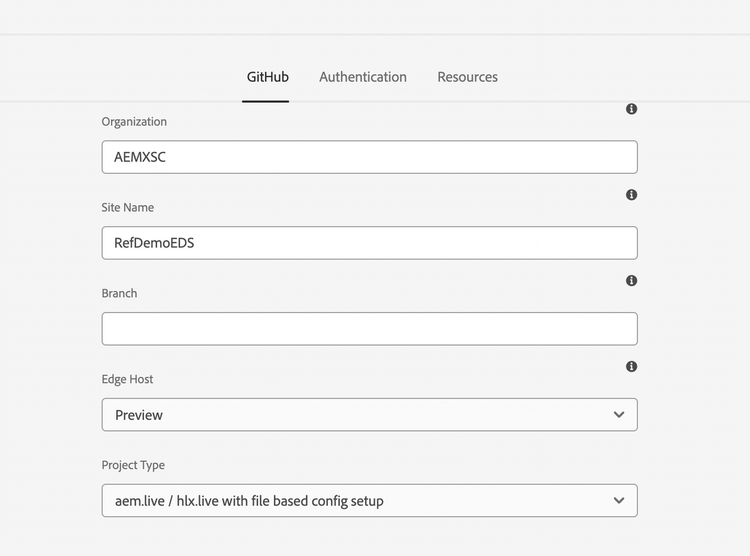
Modify AEM Configurations:
IMPORTANT
Please make these changes only if you want to customize WKND Site for your own demo.
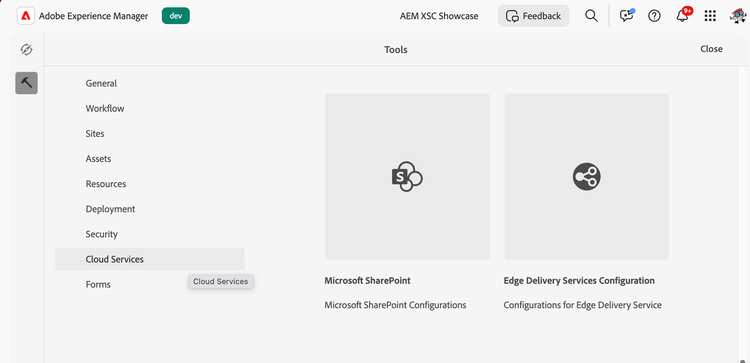
- In your AEM Environment, from start screen, navigate to Tools > Cloud Services > Edge Delivery Services Configuration
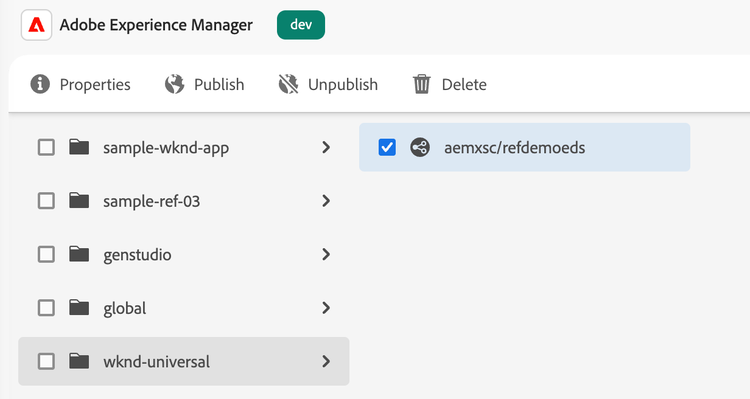
- Expand “wknd-universal” > select the config > click “Properties” in ribbon
- We need to update the following two values as per your GitHub details:
- Organization: YYY (Generally your GitHub username)
- Site Name: ZZZ (Name of the repository you chose while cloning e.g. WKND)