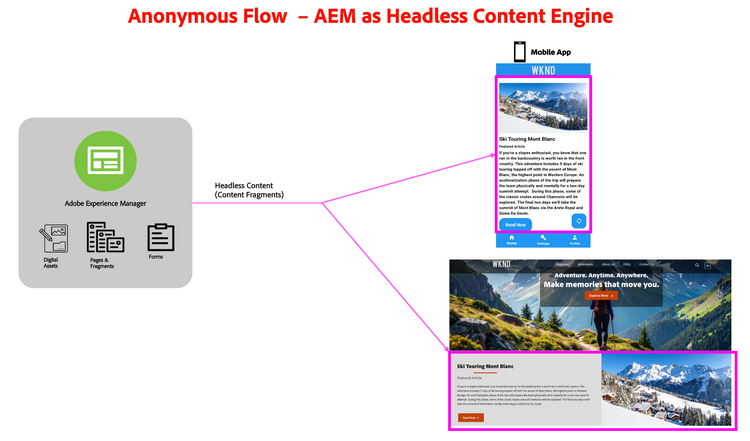
NOTE
As a pre-requisite, you need to have the mobile app installed and have a brand setup in your AEM
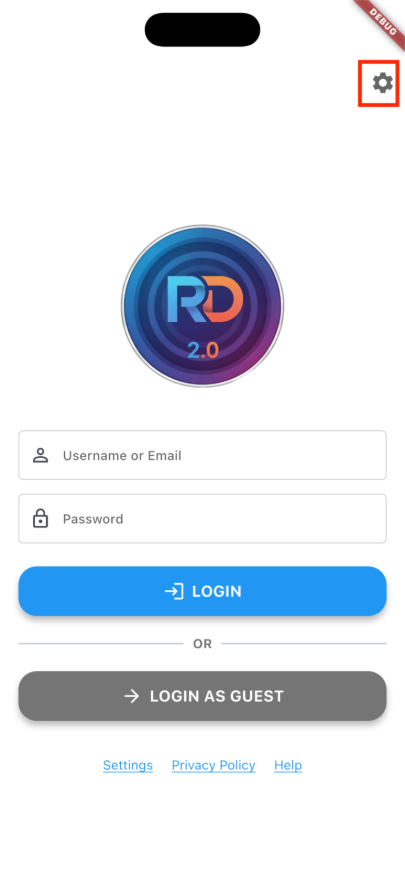
- Once the app opens, click on the settings icon where you can connect your app to your AEM Environment by entering the program and environment numbers
- Click on Fetch button to get the brands available in your server.
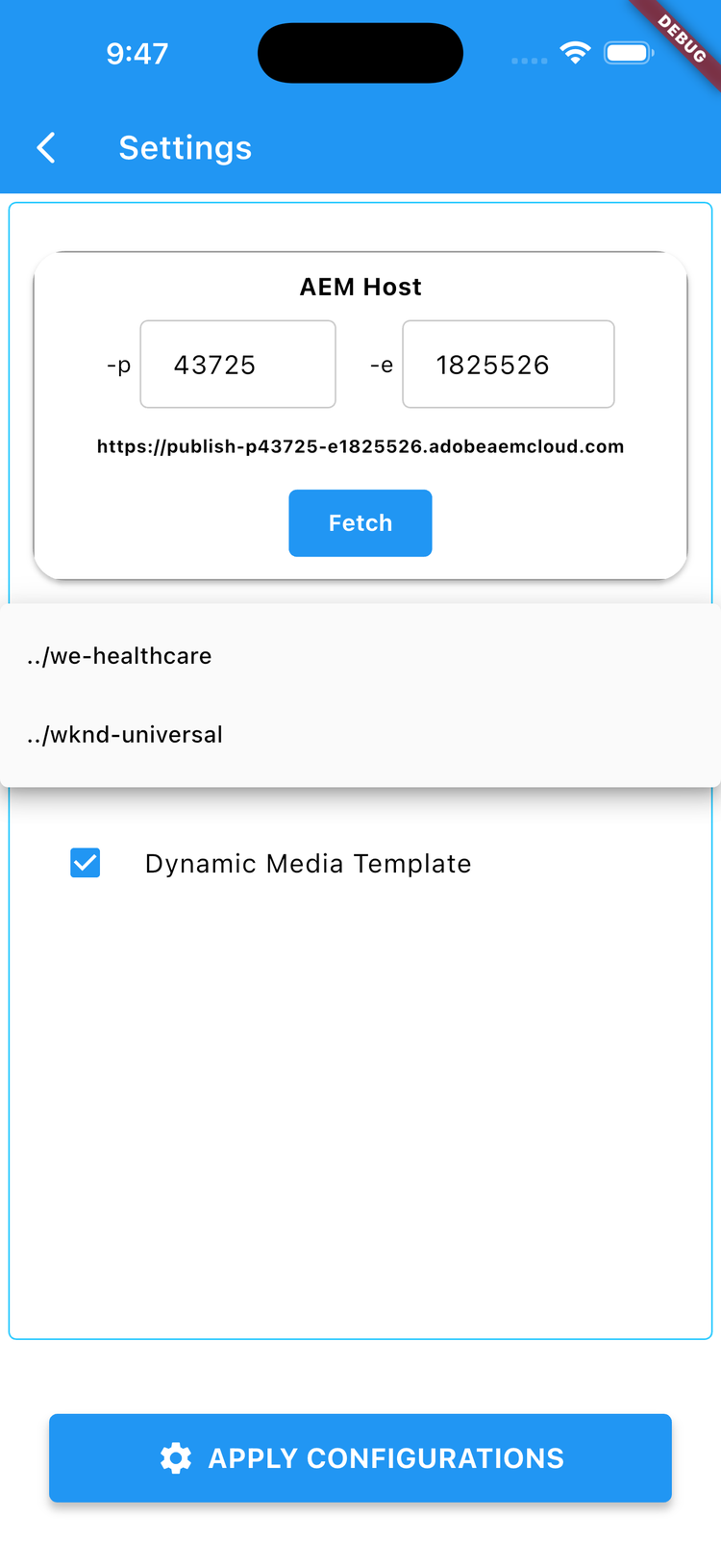
- Select one of the brands and click “Apply Configurations”.
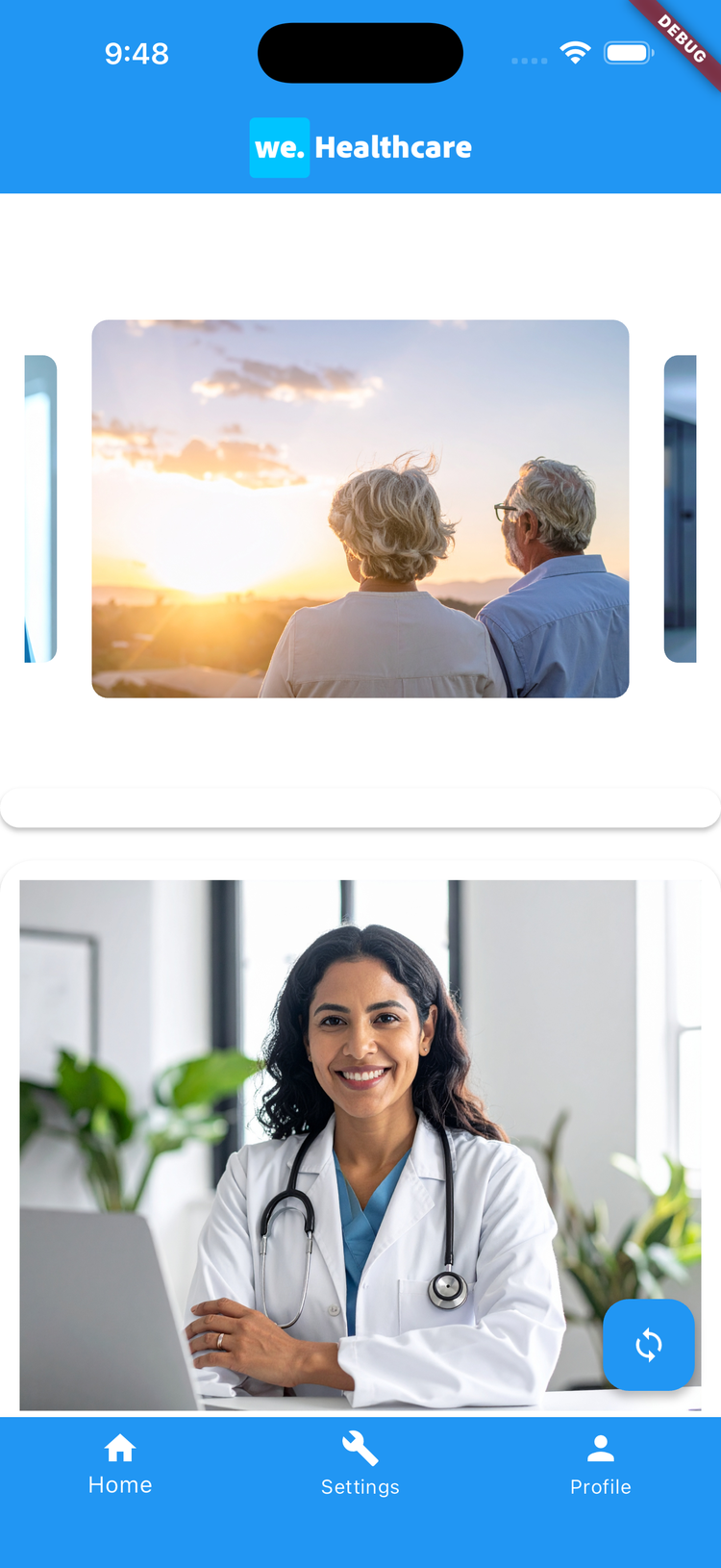
- You will be re-directed to the home screen with content being served from your AEM Server.
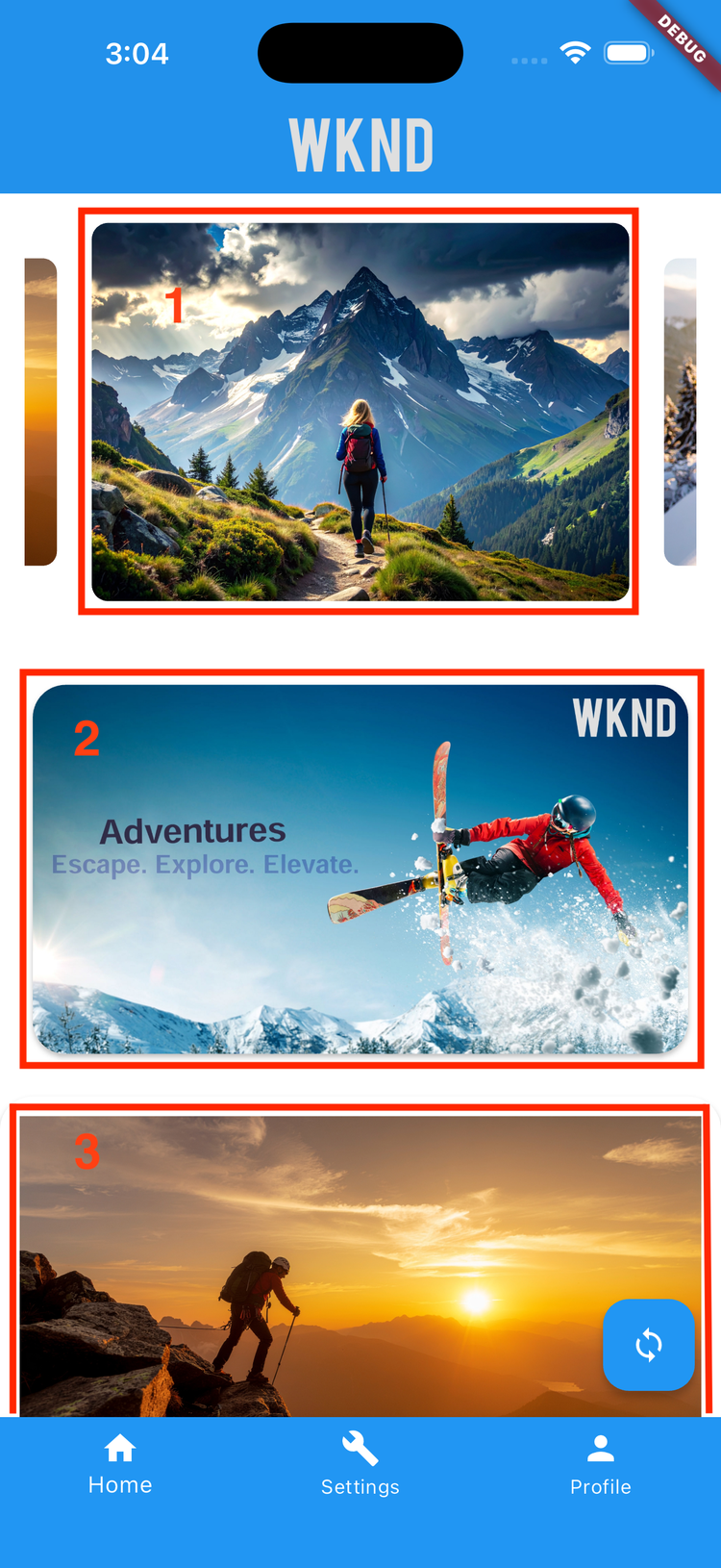
Elements on the Mobile App
- Brand Banners
- Dynamic Media Template
- Content Fragments
Switching Brands
- To change the brand, head to the settings menu
- Click on the Fetch Button to get the list of brands in your environment and select one of the available brands.
- Click “Apply Configurations” to save the changes
- Your content from the selected brand is served from your AEM Environment