Setting Up Universal Editor
DA enables cross-authoring experience, Document-based authoring and Universal Editor authoring.
Let’s setup Universal Editor Authoring
- Using the breadcrumb navigation, head to the Organization of your site.

- Once in the Org navigation click on the Config (Gear) icon to open the org config, and paste this table in the sheet.
key
value
editor.path
/wknd-da/content=https://experience.adobe.com/#/@{YOUR-AEM-ORG-NAME}/aem/editor/canvas/main--{DA-SITE-NAME}--{DA-ORG-NAME}.ue.da.live
- Save the configuration sheet by click on the Airplane icon.
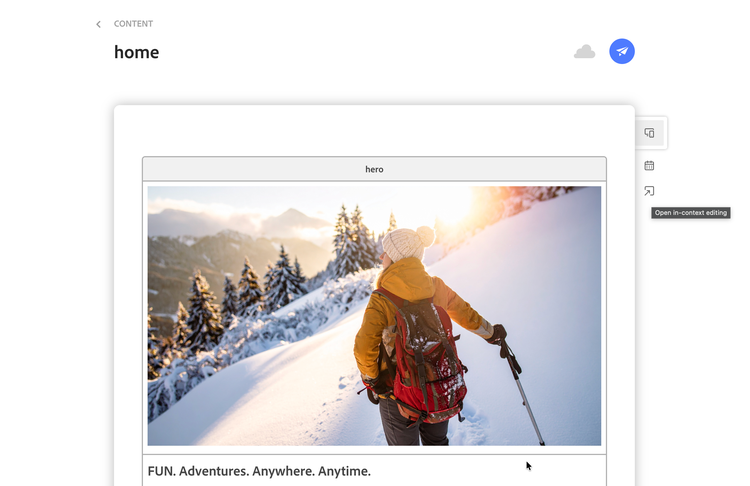
To access Universal Editor authoring, head to any Document page in the project, click on the “Open in-context editing” icon to start authoring in the Universal Editor experience.
NOTE
The blocks currently supported with UE are
- Hero
- Dyanmic Media Template
- Cards
- Teaser
- Carousel