Tabs Block

Tabs block – Add the block
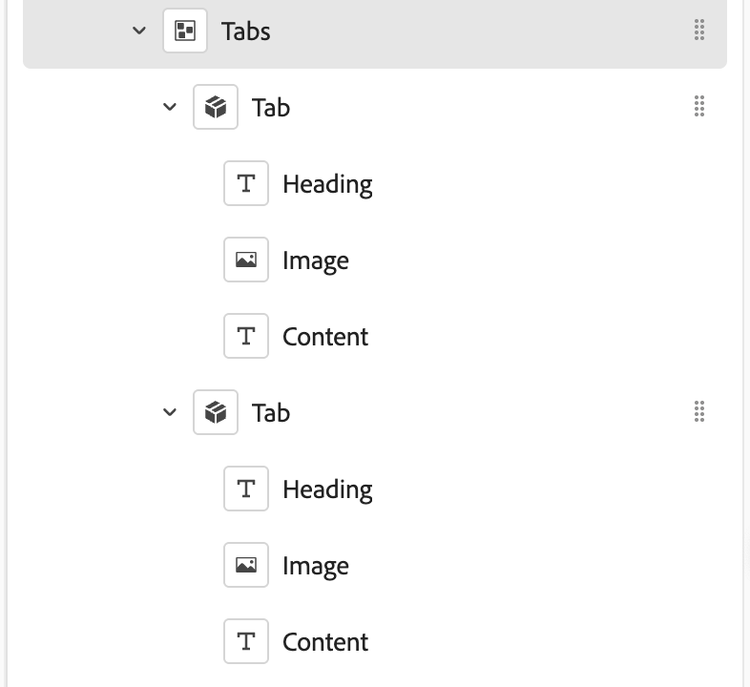
Insert a Tabs block. It creates a container for multiple Tab items.
-
- Click the + button on the right panel to add Tab items.
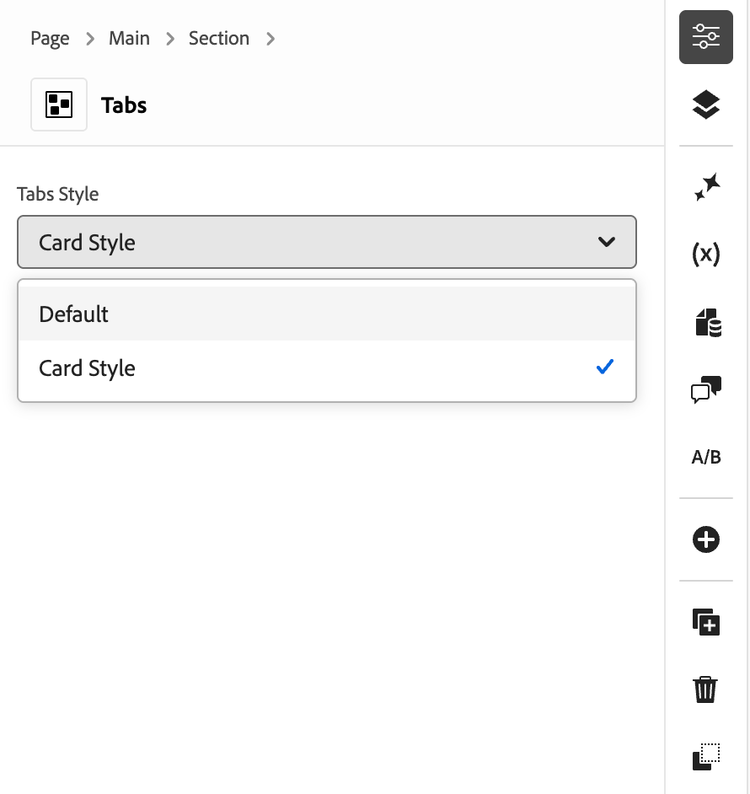
Tabs Style -
-Default: Standard tabs with content shown below the tab list.
-Card Style: Two‑column panel layout; image on the left, text on the right. If no image is provided, content spans full width.
- Tab item fields (per Tab)-
- Tab Title: The label shown in the tab list.
- Heading (optional): Heading rendered inside the tab content.
- Image (optional): Used in Card Style as the left column visual.
- Content: Rich text/content displayed within the tab.
-Behavior
Only one tab panel is visible at a time; clicking a tab switches panels.
-Tabs-Style