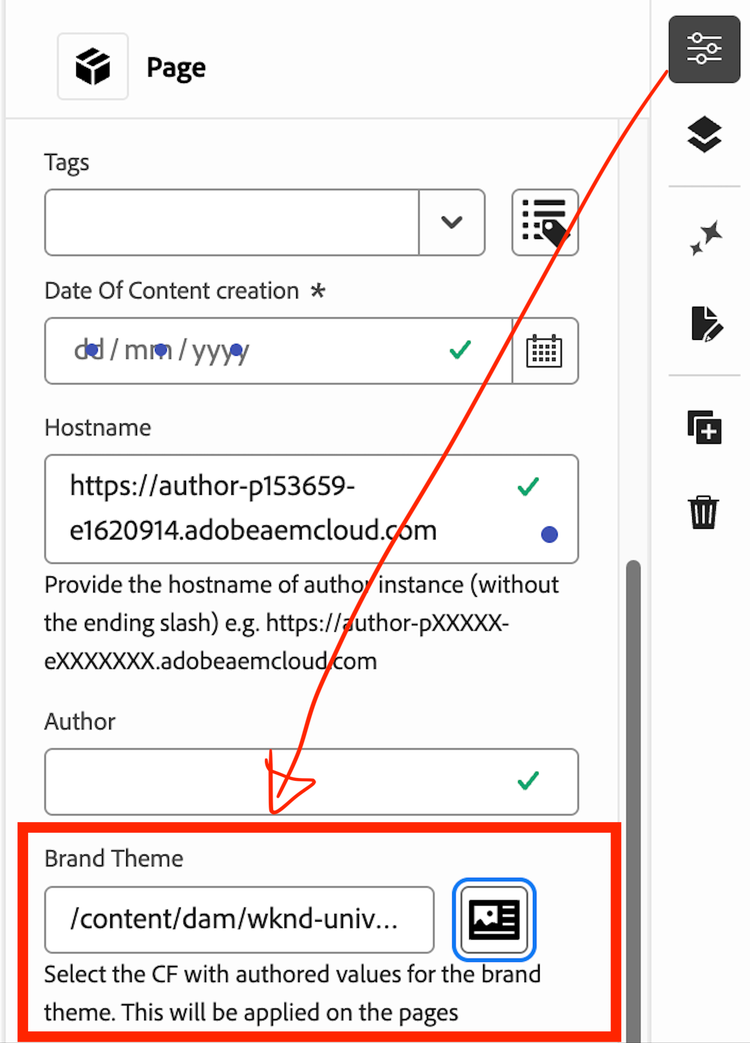
Apply themes to your site
Let’s look at how you can quickly style your page with just a few clicks.
Apply quick themes
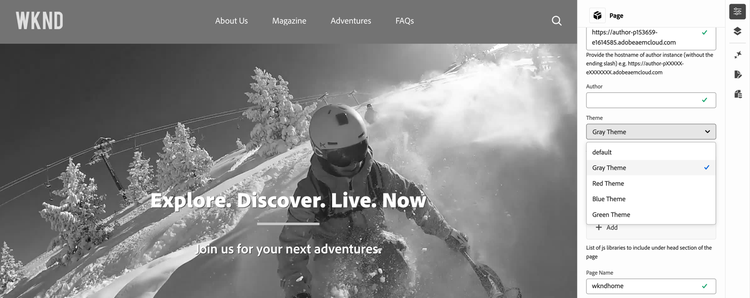
To change and apply a quick pre-built theme on the page e.g. “Gray Theme”:
- Navigate to Page > Properties (using the right panel).
- From the dropdown, change the theme to Gray Theme.
Apply custom themes (using Content Fragments)
- Go to AEM Start Screen > Content Fragments
- Navigate to WKND Universal > English > Fragments > Brand Themes folder.
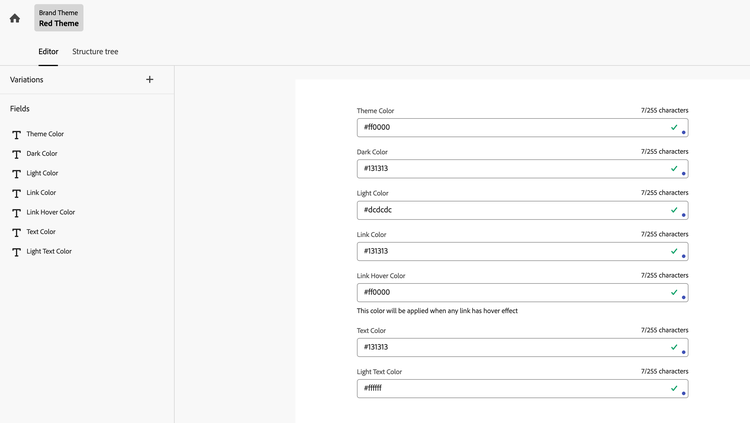
- Create a new fragment using Brand Theme model and specify the colours to be used:
- Now, go back to your page in Universal Editor.
- In Page > Properties > Brand Theme, choose the fragment you just created.